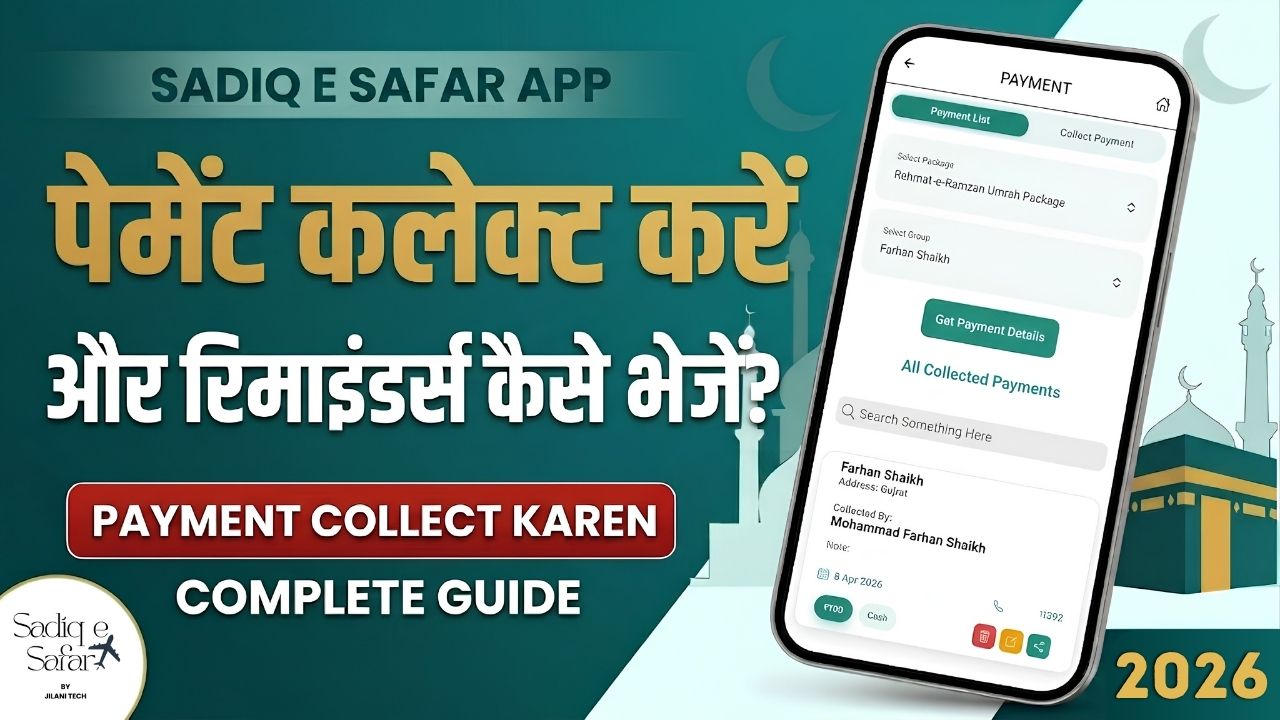
Managing cash flow is critical for travel agencies. Sadiq E Safar provides powerful tools to collect payments, generate professional receipts, and automate follow-ups. This guide covers everything you need to know about staying on top of your agency's finances.
1 Collecting Payments
There are two primary methods to collect and record payments within the Sadiq E Safar app, depending on your workflow.
Method A: Via the Tourist Page (Recommended)
- Access: From the home dashboard, click on the Tourist button 00:34 .
- Select Group: Choose the travel package and click Get Details 00:41 . Find the specific group card to see their **Pending Amount**.
- Initiate: Click Collect Payment on the card 00:58 .
- Record: Enter the Amount, Payment Mode, and Date. Click Add Payment 01:38 .
Method B: Via the Payment Collection Page
- Direct Access: Click the Payment Collection button directly from the home dashboard 03:54 .
- Manual Selection: Unlike Method A, you will need to manually select the Package and the Tourist Group from the dropdowns before entering details 04:03 .
2 Managing Payment Entries
Once a payment is added, you can modify it, delete errors, or share professional receipts with your clients.
- Edit/Delete: Use the Yellow Icon to edit or the Red Icon to delete entries 02:03 .
- Share Receipt: Click the Share Icon to generate a professional receipt and send it via WhatsApp 03:00 .
- View Ledger: All entries are automatically recorded in the Transactions section, updating your total income ledger 04:48 .
3 Setting Payment Reminders
Never miss a collection again. Automate your follow-ups with scheduled SMS reminders.
- Access: Go to the Payment Reminder section from the dashboard 05:12 .
- Add Reminder: Select the Package and Group, then enter the due Amount 05:45 .
- Schedule: Set the Reminder Date and the actual Due Date 06:00 .
- Send: Choose "Yes" to send instantly or "No" to schedule it for the selected date 06:42 .
Automate Your Collection Today
Watch our step-by-step video guide to see how these features can save you hours of manual follow-up every week.
Watch Complete Guide