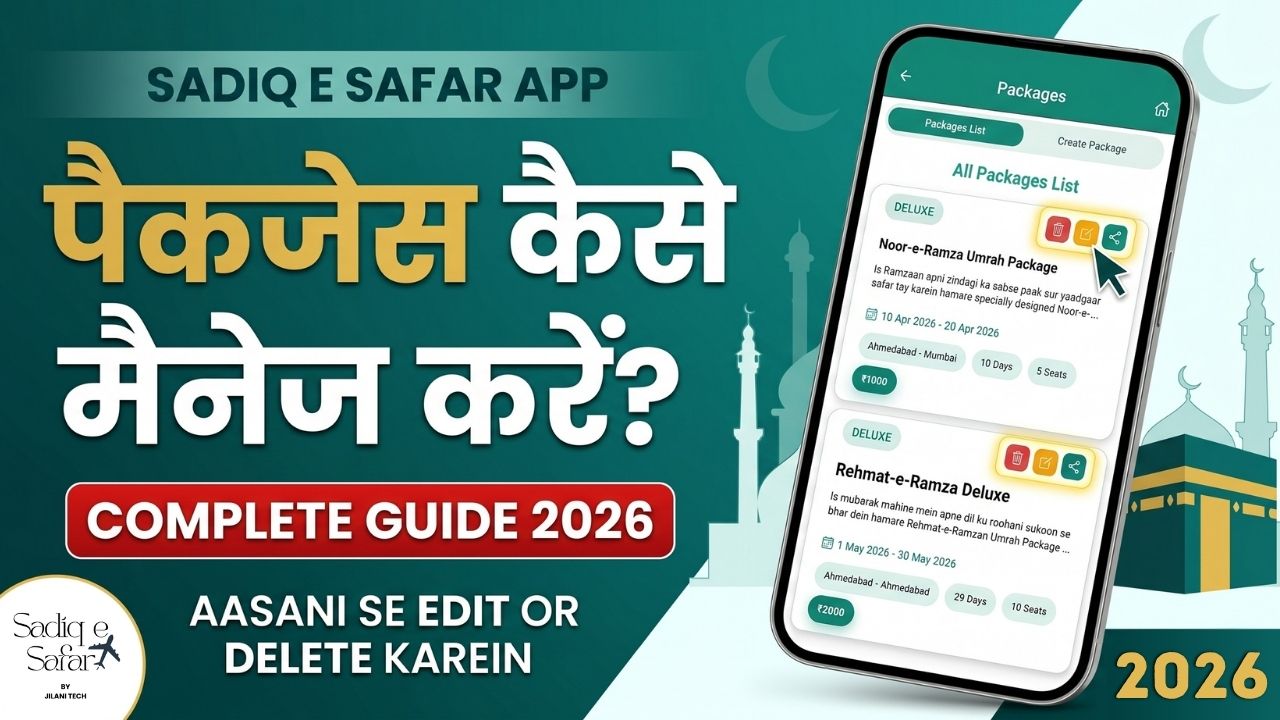
Your tour packages are the core products of your travel agency. Sadiq E Safar provides a robust system to create, price, and market your packages efficiently. This guide explains how to set up your packages and share them with your audience to drive bookings.
1 Step 1: Accessing the Package Management Section
- Open the App: Launch Sadiq E Safar and navigate to the **Packages** section from your dashboard 00:17 .
2 Step 2: Creating a New Package
To add a new tour, click on **"Create Package"** and fill in the required details 00:24 .
- Basic Info: Enter the **Package Name** and a brief description 00:42 .
- Pricing: Set your **Agency Price** (your cost) and **Customer Price** (selling price) 01:08 .
- Category: Choose the package level, such as **Deluxe** or **Non-Deluxe** 01:26 .
- Schedule: Set the **Departure** and **Arrival** dates. The app will automatically calculate the tour duration 02:14 .
- Inventory: Enter the number of **Available Seats**. This acts as a hard limit for registrations 02:45 .
- Poster: Upload a promotional poster from your gallery 03:07 .
Click Submit to finalize the creation 03:27 .
3 Step 3: Editing and Updating Packages
Need to update a price or change a date? Sadiq E Safar allows for quick modifications.
- Modify: Click the Yellow Edit Icon next to any package to reopen the form and update its details 03:50 .
4 Step 4: Sharing the Package
Market your tours directly from the app to potential customers across various platforms.
- Social Sharing: Click the Share Icon to instantly send the package poster and details via WhatsApp, **Instagram**, or other social media 04:09 .
5 Step 5: Deleting a Package
- Removal: Click the Red Delete Icon and confirm with "Yes" to permanently remove a package from your system 04:32 .
Launch Your Next Tour Package
Watch the full tutorial to see how easy it is to manage your travel inventory and boost your sales.
Watch Package Management Guide